
April 16, 2026 · Mikhail Vasiliev
Nexus Devlog: Solar System
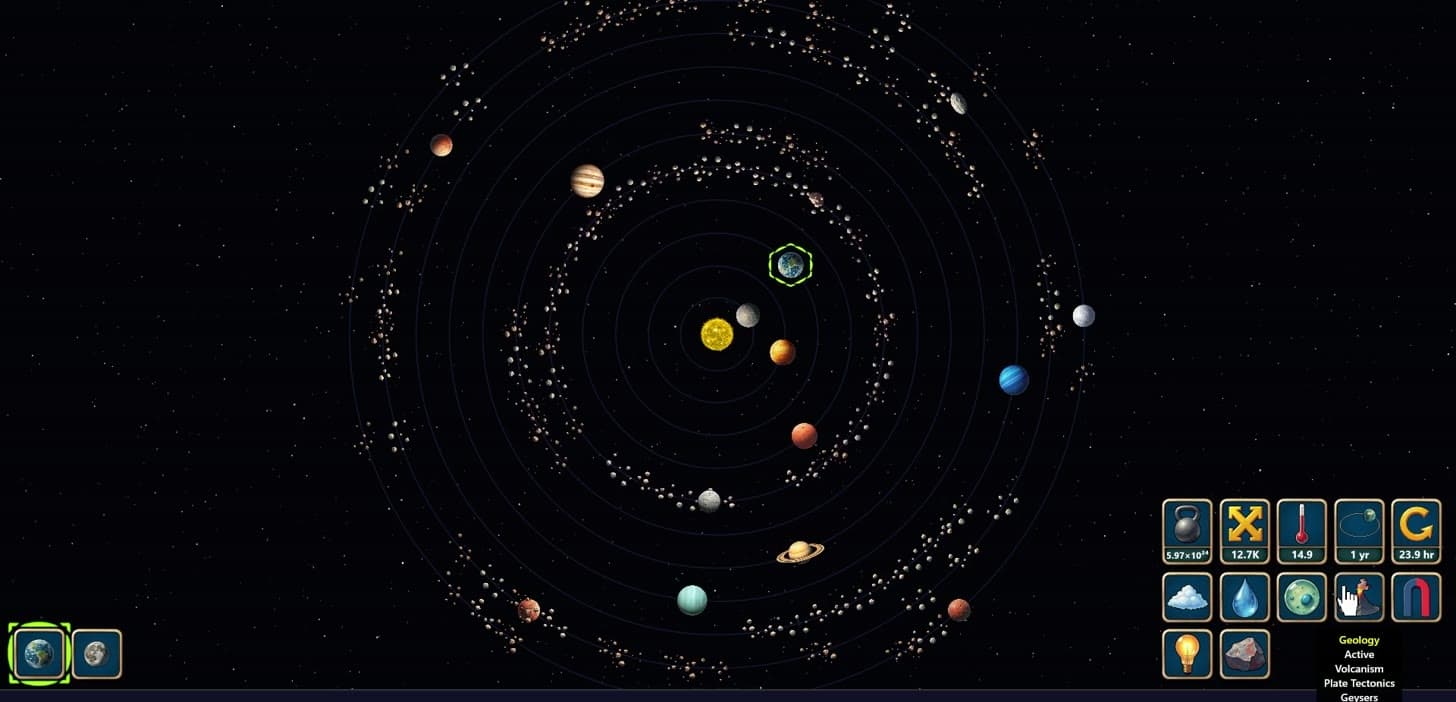
Over the past stage a new simulation appeared - the Solar System. There's no gameplay or realistic physics here yet, it's just a demonstration of the engine.
Solar System
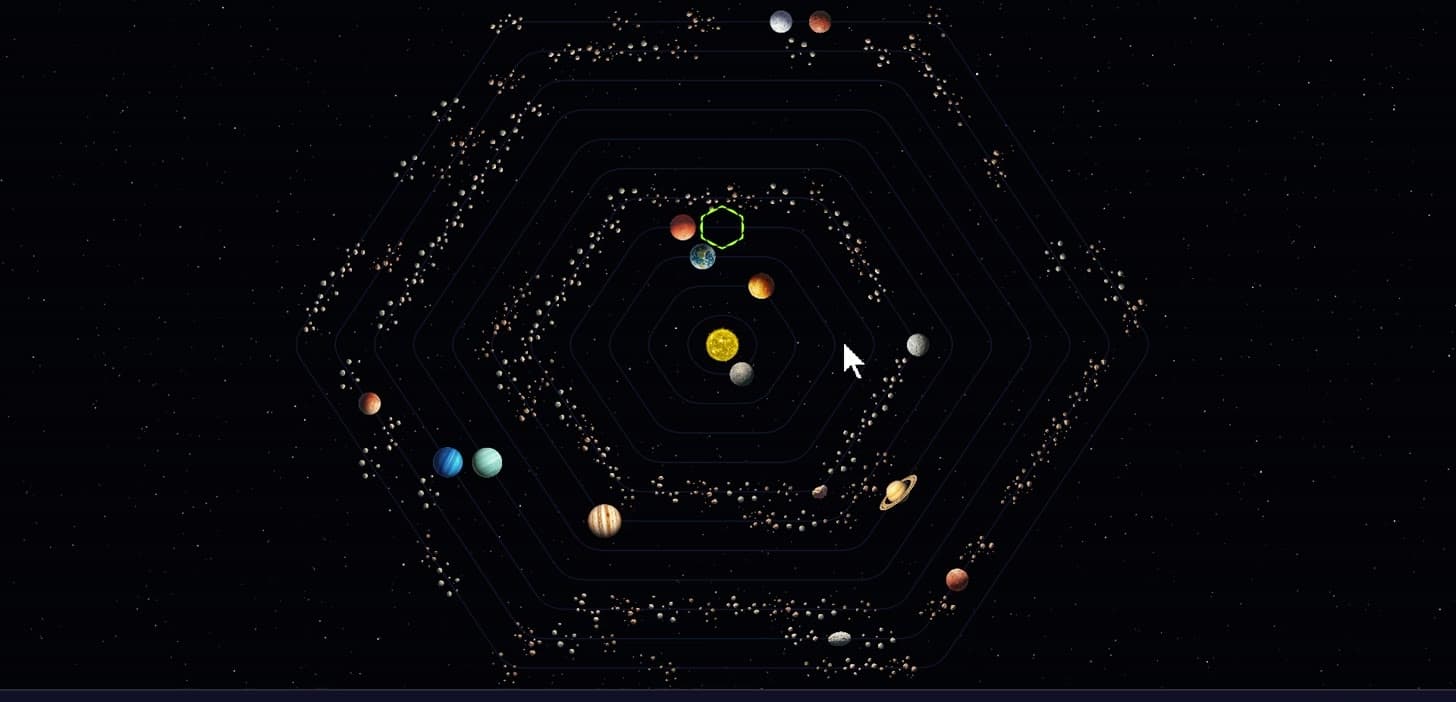
At the center is the Sun, with planets, their moons and asteroids around it. Every body has properties: mass, size, temperature and a dozen more, all based on real astronomy data. It works out like an interactive Wikipedia - you click a body and explore it. Right now it's just a decorative mode: you can look, but not play. There's a second mode too, a tactical one. The orbits there are schematic and nothing moves, but the field is split into hexes - the cells make it easy to move fleets and place stations, like in space strategy games. It's groundwork for future gameplay.
What's new in the engine
The main thing this month is a 2D client with graphics and animation. Under the hood, a few things got solved that had been dragging on since the old games. Properties are now universal: the same mass belongs to a planet and, say, to a sack of rice - it's a single property for any entity. Which of them to attach is up to the design of each particular game.
Along the way I sorted out the very large and very small numbers. Some of our early games used to trip over them: once the population climbed past a few billion, you'd get trillions and quintillions with nowhere good to show them. Now such values are written compactly, as powers of ten: 10³⁰ instead of a one with thirty zeros. And the confusion is gone.
You can change the system on the fly, with commands. The format is simple: /set, then the body, the property and the value. A couple of examples from the video:
/set Jupiter Orbit 2
/set Earth Weight 1e35
The first moves Jupiter to the second orbit, closer to the Sun - and its Trojans move along with it, the asteroids that keep close by. The second makes Earth so heavy that it collapses into a black hole and loses all its other properties at once. Any step can be undone - everything goes back to the way it was.
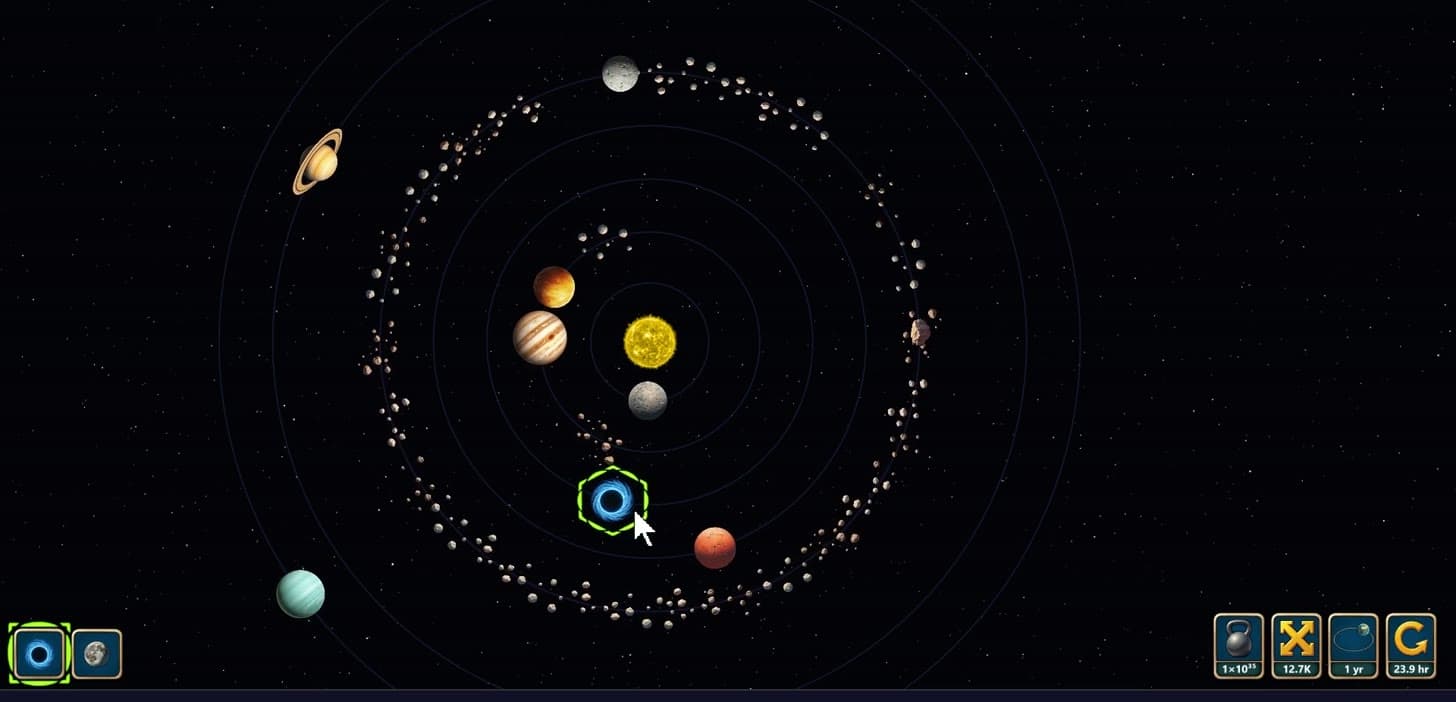
The engine works out density on its own, from mass and size. But there's no full physics here, it's a demonstration: that same Jupiter stays cold even right next to the Sun, I just never got around to it.
Voice control
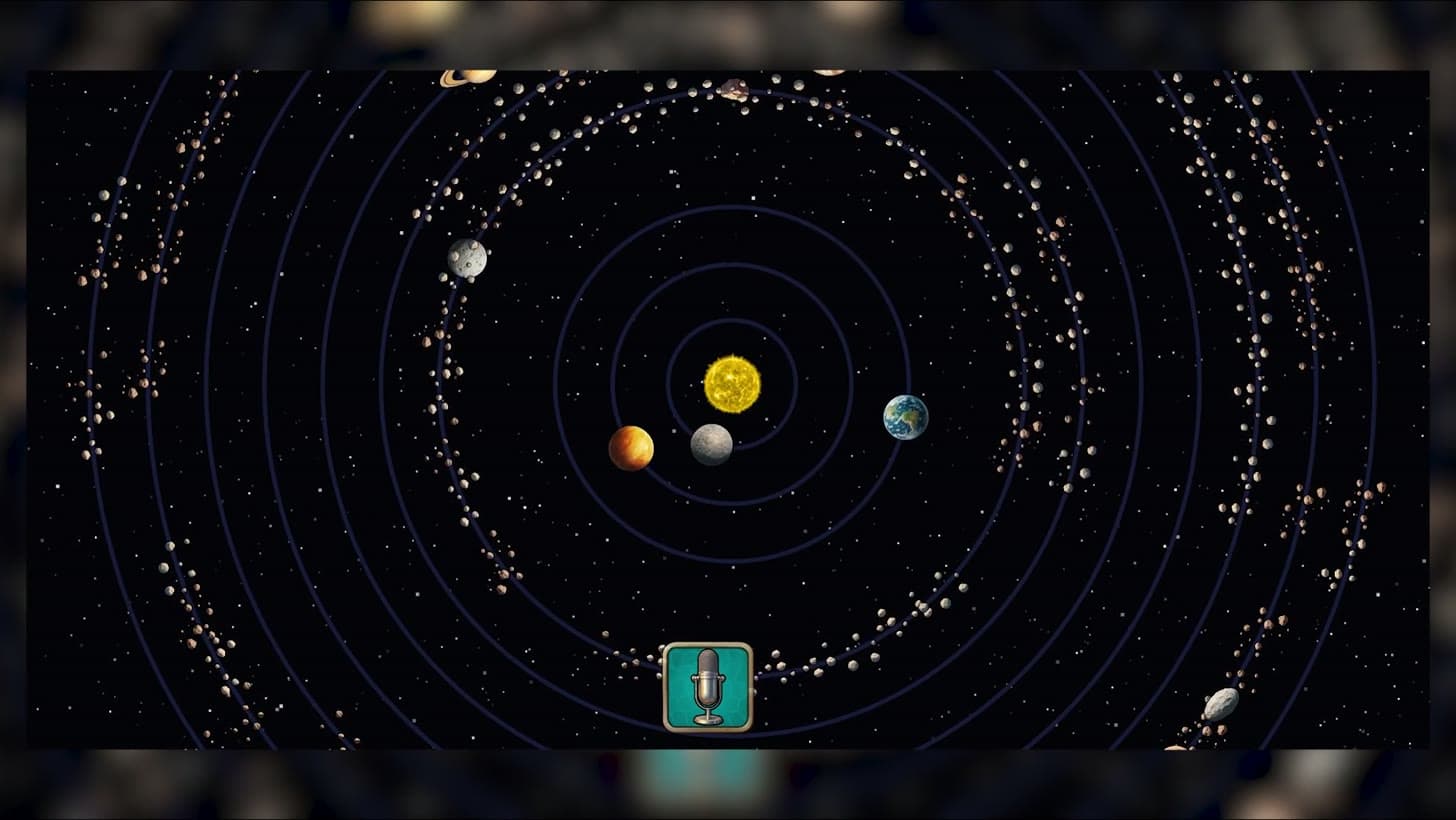
On a phone you can control all of this by voice. You tap the microphone and say what to do. “Delete Mars” - the planet disappears along with its orbit. “Swap the orbits of Jupiter and Neptune” - it swaps them. “Give the Sun an atmosphere” - it adds one, a toxic one at that. The AI understands a lot, but not everything: ask it to “make the Moon nice” and it gets stuck, because “nice” is subjective. And the graphics and labels are still only for the Solar System: you can't add exoplanets or galaxies this way, that's separate content, and it's in the plans.
Languages and network
The language changes with a single command:
/lang arSA
/lang enUS
That switches the interface to Arabic and back, and there are more than twenty languages in all. Over the network you can start a second client and connect it to the same session - for now it's just a demonstration, but in the future you'll be able to play the studio's old games together this way, a Marble Age or something. And the mobile version does almost all of the same, so you can rearrange a star system right from the couch.
I've put the simulation on the site - you can try it in the simulation catalog. More about Nexus and the plans in the Nexus section.